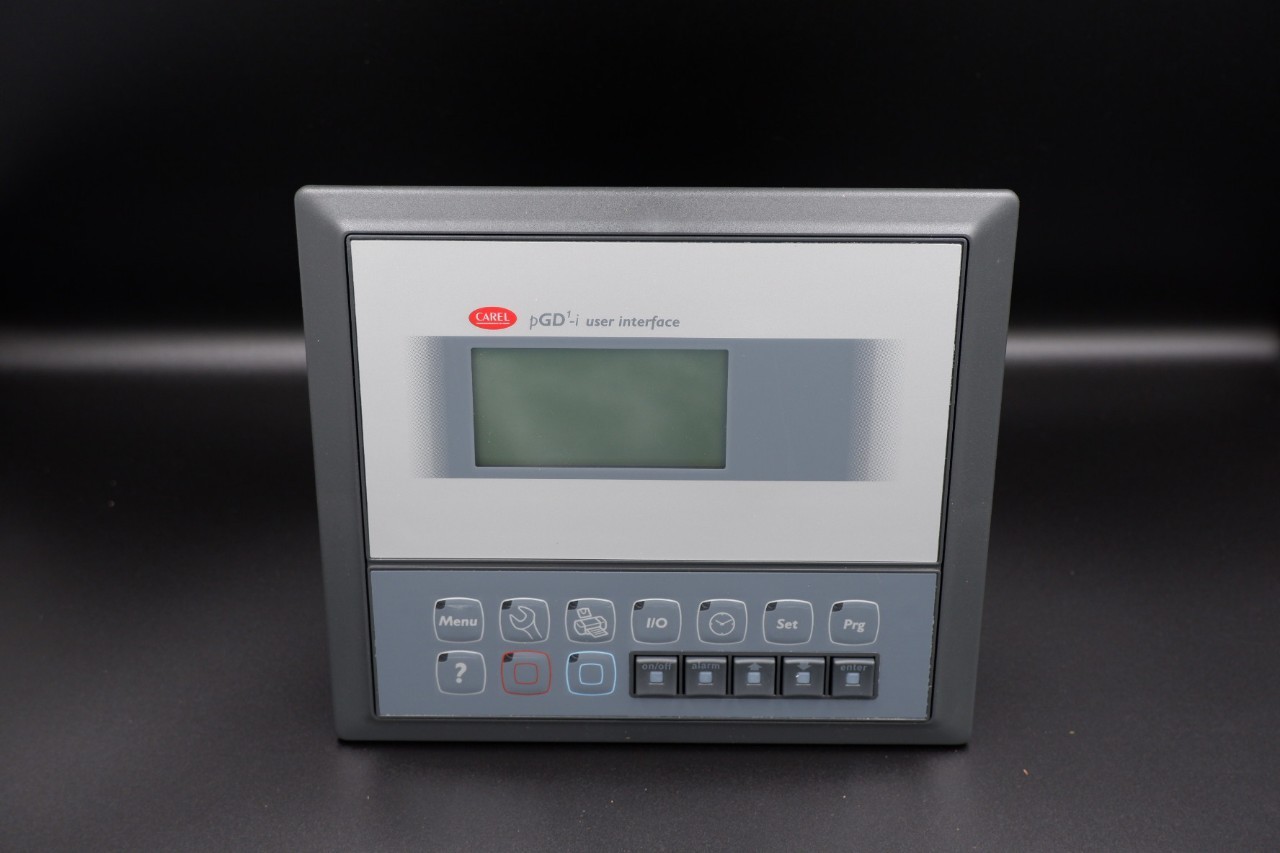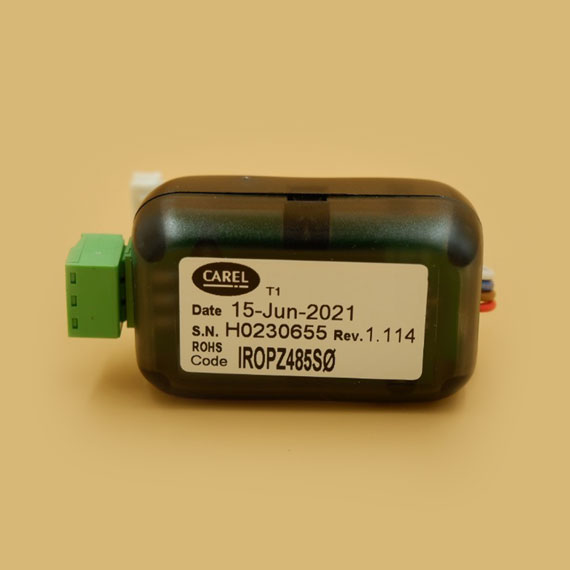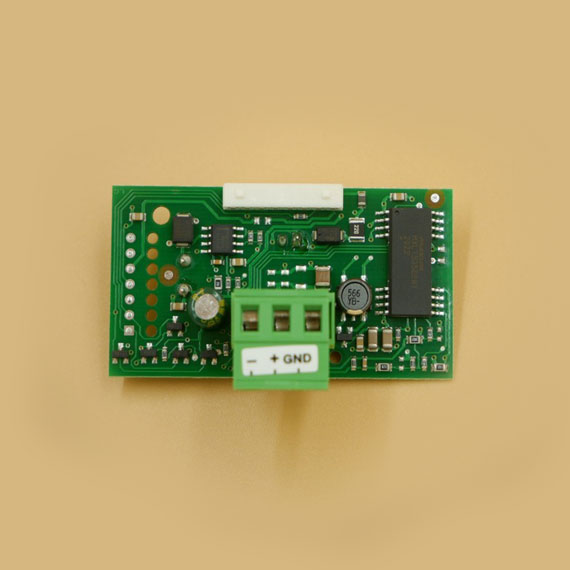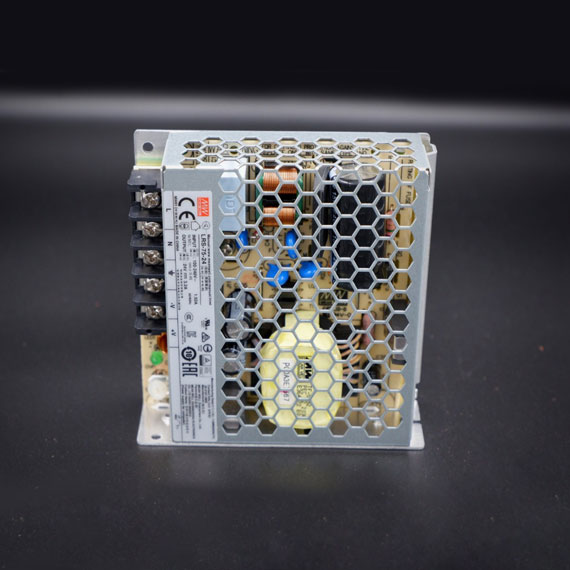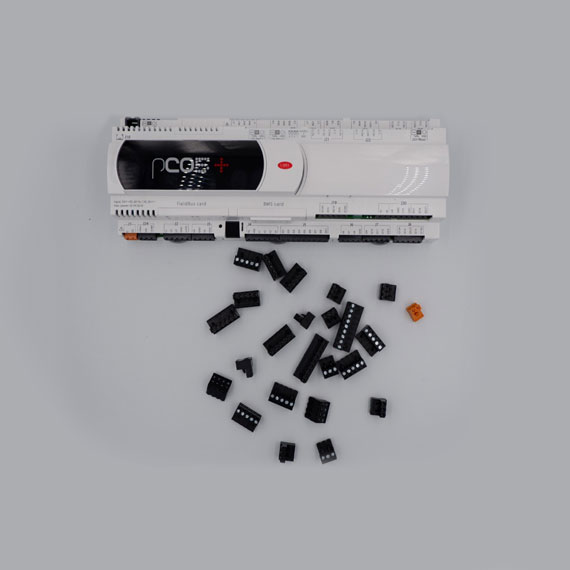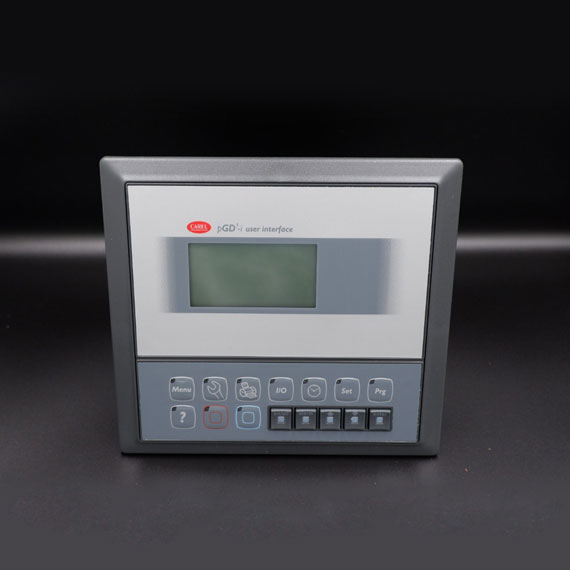
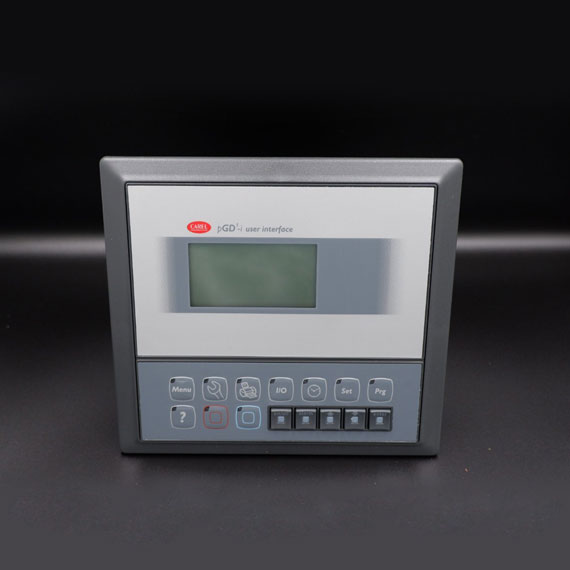
The PGD1000I00 display is a high-resolution graphic HMI screen from CAREL, designed to serve as the user interface for displaying system status, temperature, pressure, parameters, trend graphs, and alarm messages from CAREL main controllers such as the pCO or c.pCO series.
Users can interact with the system through push buttons or a touch screen (depending on model version), allowing for intuitive monitoring and configuration of refrigeration systems.
Outstanding Features of the PGD1000I00 Display – CAREL
The PGD1000I00 stands out for its high-resolution color graphic display, ensuring clear and vivid visualization of operational data. It can present graphical elements and images, allowing users to quickly interpret system status instead of reading plain numeric data.
It features a user-friendly interface with intuitively designed menus for easy navigation and data access. The display supports multiple languages, enabling global usability and minimizing language barriers for operators.
Another major advantage is its high customization capability. Installers and users can tailor the screen layout, data presentation, icons, logos, and graphics to meet specific application or branding needs—delivering a more professional and personalized user experience.
In terms of connectivity, the PGD1000I00 integrates seamlessly with CAREL controllers via standard communication protocols such as Modbus or CAREL proprietary protocols, ensuring stable and fast data transmission.
The unit is built with a durable industrial-grade design, suitable for various environments, and can be securely installed in control panels.
Benefits in Refrigeration Applications
The PGD1000I00 display provides numerous advantages in managing refrigeration systems:
Simplified system monitoring and diagnostics – Operators can instantly view overall system performance and individual parameters, enabling fast troubleshooting and performance optimization.
Convenient control and configuration – Users can modify setpoints, change operation modes, or activate functions directly from the display without accessing the main controller, improving efficiency and reducing errors.
Enhanced troubleshooting efficiency – The display shows clear alarm messages and fault codes, helping technicians identify and fix issues quickly, minimizing system downtime.
Improved user experience – A clear and interactive HMI fosters confidence in system operation and enhances daily work efficiency.